DocuSûr
Thirty-one PDF tools, and not a single byte of any document sent to a server.
- Year
- 2026
- Design & build
- 10 weeks
- Stack
- React · TypeScript · Tailwind · PDF.js · Vercel
- Product design
- Design
- Development
- SEO
- Accessibility

- document tools
- 31
- sent to a server
- 0 bytes
- Lighthouse accessibility
- 100/100
- Lighthouse performance
- 95/100
What needed solving.
The background
DocuSûr brings together 31 document tools — merge, split, compress, convert, sign, OCR — available free of charge and without sign-up. The service is published by Kayzen Web from Lyon.
The constraint
Mainstream alternatives upload the document to a server abroad, keep it for a few hours and fund the service with advertising. For a contract, a payslip or an identity document, that is a deal-breaker — and half of professional users know it, without having an alternative.
The response
Everything runs in the browser. The file is never transmitted: the Network tab in the developer tools proves it in three seconds, and it is the site's main selling point. That constraint dictated the entire technical architecture.
The scores recorded at delivery.
Lighthouse scores for the live site. We publish them as they are: when one is low, its cause and the plan to fix it are set out below rather than glossed over.
Every design choice, and the reason for it.
A directory, not a dashboard
Thirty-one tools is too many for a menu. The home page is a categorised grid with instant search; each tool has its own dedicated page and URL, because that is how people arrive from Google.
Proof of privacy on the first screen
“Your files never leave your browser” is shown before the file picker, with a link to the technical explanation. The privacy promise comes before the action that puts it to the test.
Drag and drop, with a fallback
A drop zone, a standard file-picker button and support for pasting. Drag and drop on its own excludes keyboard users and some touch-screen uses.
Project palette
Ink
#111827
Text
Trust blue
#2563EB
Primary action
Safe green
#059669
Local processing confirmation
Paper grey
#F9FAFB
Drop zone background
Type system
Display
Inter 700
Body text
Inter 400
No flourishes: the tool must fade into the background so the document comes first.
What's under the bonnet.
- React
- TypeScript
- Tailwind
- PDF.js
- Vercel
PDF.js and WebAssembly client-side
Reading, rendering and writing PDFs in the browser. Heavy processing (compression, OCR) goes through WebAssembly in a worker: the interface never freezes, even on a two-hundred-page document.
No storage, no accounts
No database, so no possible leak, no retention period to declare, no processor to list. Here, GDPR is handled by the architecture rather than by a policy.
On-demand loading per tool
The 31 tools do not share a single bundle. Opening “merge two PDFs” does not download the OCR engine, which alone weighs several megabytes.
How the site makes itself findable.
One page per tool, one intent per page
“Fusionner PDF” (merge PDF), “compresser PDF” (compress PDF), “signer un PDF” (sign a PDF): these are distinct searches, high in volume and with immediate intent. A single page listing the tools would have captured none of them.
The differentiator in the title
The title tags say “no file upload” rather than using a superlative. In a market where every page looks the same, that fragment is what decides the click.
HowTo on procedural tools
Multi-step tools carry HowTo markup; these are the snippets search engines and AI assistants pick up.
Usable by everyone.
Since June 2025, the European Accessibility Act has required digital accessibility from a large share of online services. We build it in at the design stage rather than retrofitting it.
100/100 in Lighthouse, and checked by hand
The automated score only covers some of the criteria. Every tool was tested by keyboard and with a screen reader: processing progress announced, explicit file errors, focus restored after download.
What was delivered.
- Home — grid of the 31 tools and search
- /<tool> — one page per tool
- Privacy — the technical explanation of local processing
- About, contact, legal notice
How the project unfolded.
Feasibility
Checking that every process fits within the browser, OCR included.
Foundation
PDF rendering, workers, per-tool loading.
Rolling out the tools
31 tools, one page and one test suite per tool.
Accessibility
Keyboard and screen reader walkthrough on every tool.
What we are often asked.
More of our work
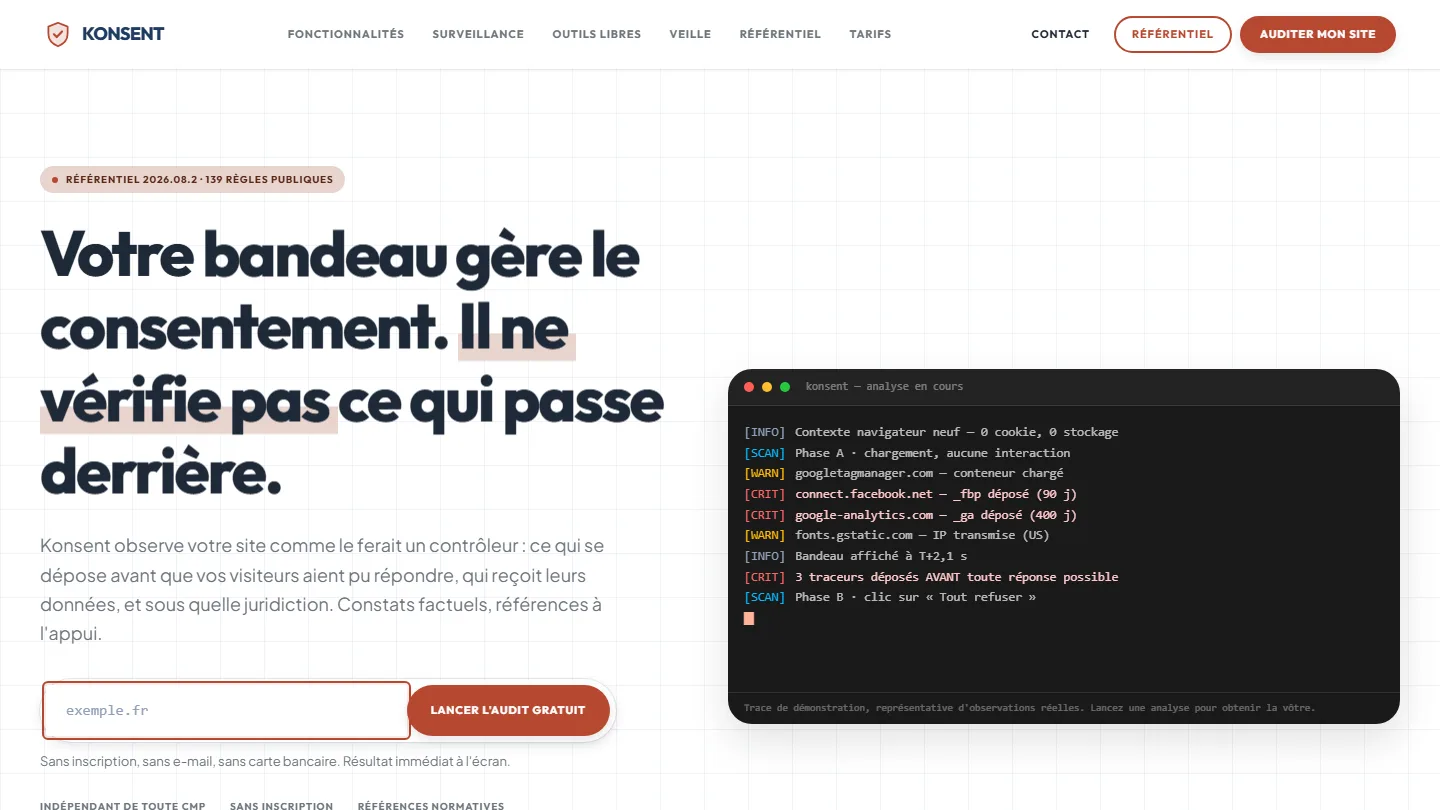 GDPR compliance & SaaS
Konsent by Kayzen
A banner vendor that audits banners is both judge and party: independence was the product.
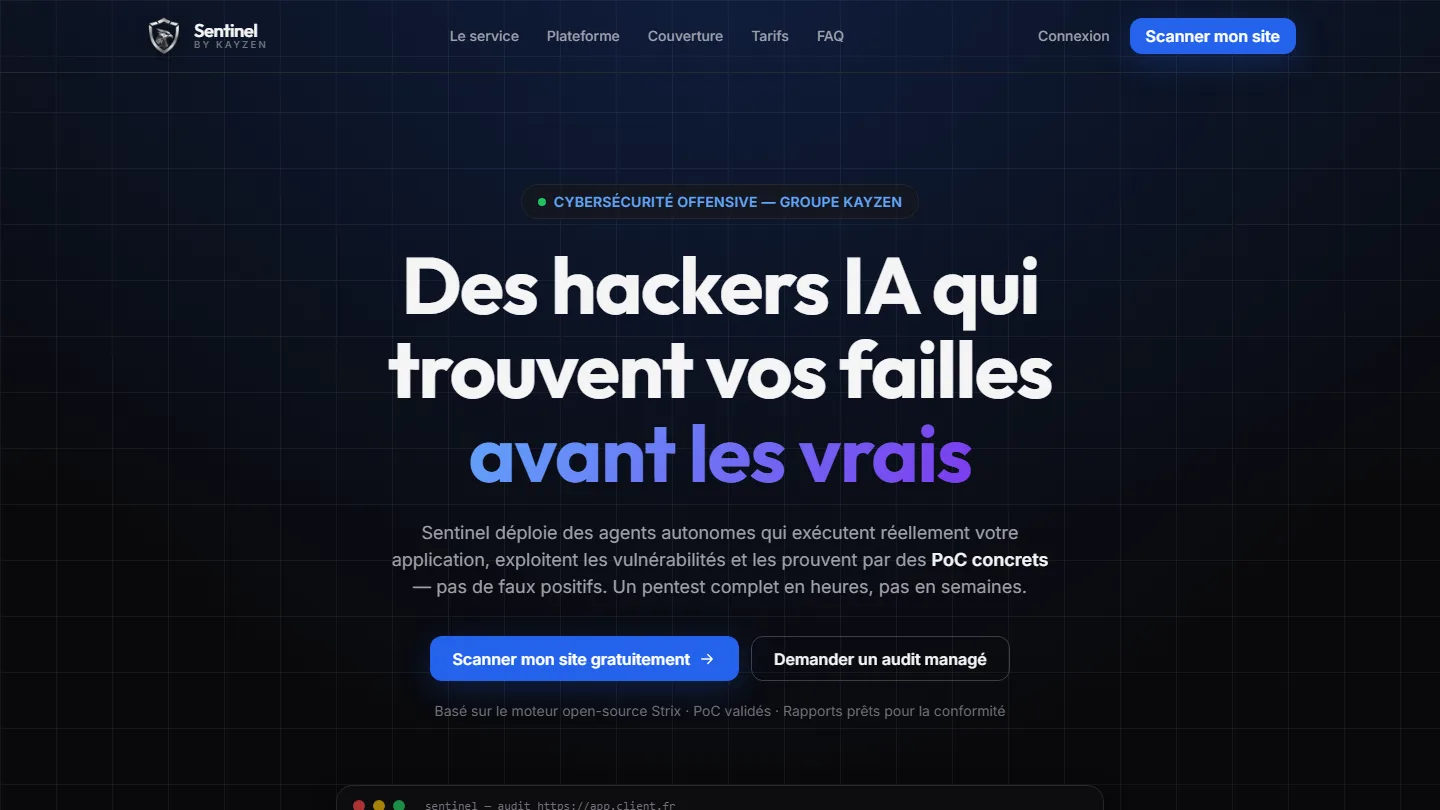 Offensive cybersecurity & SaaS
Sentinel by Kayzen
Selling a security product to engineers: every claim had to be demonstrable.
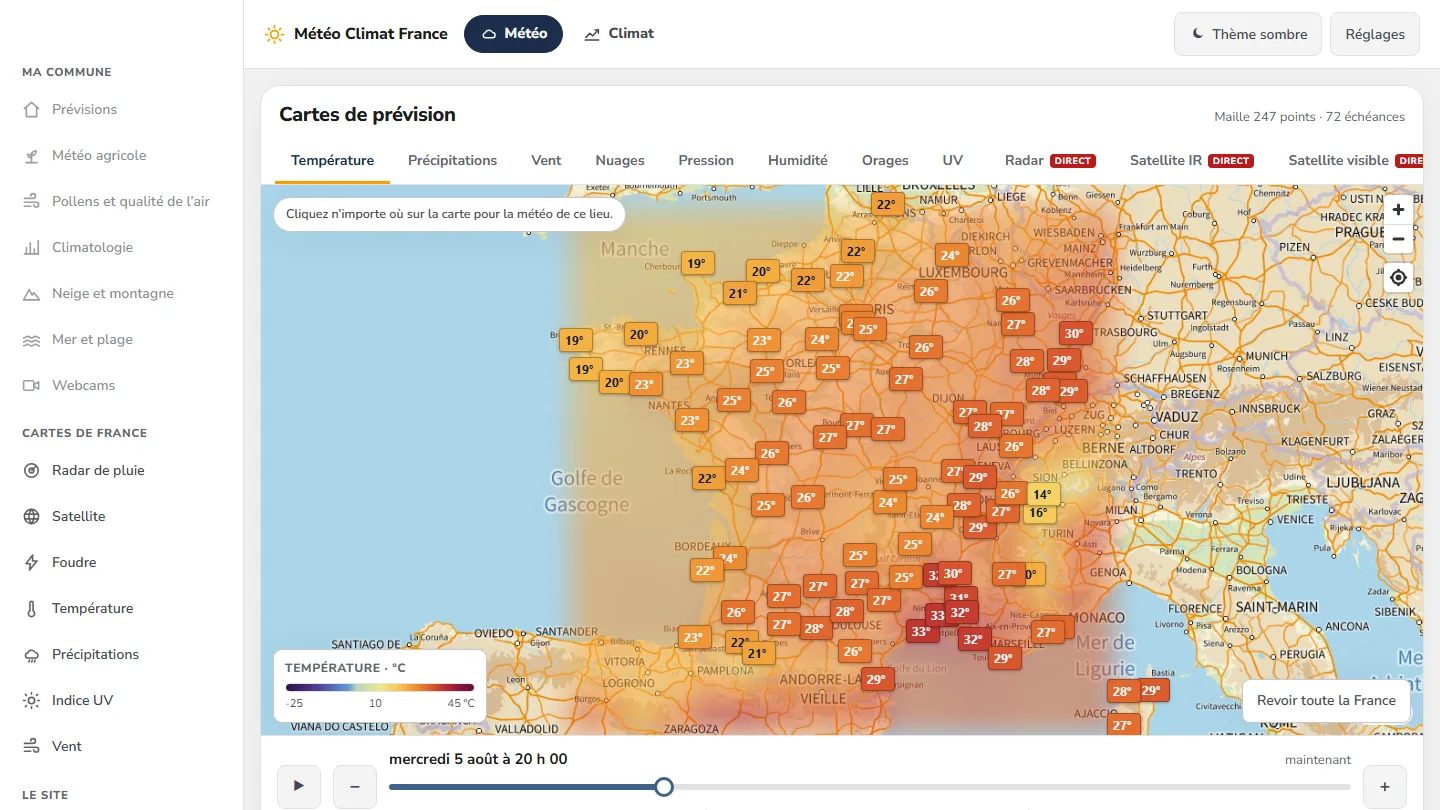 Data & weather service
Météo Climat France
358 indexable pages, a map animated over 72 time steps — and not a single line of framework.


The same high standards, for your website.
A free audit of your current site, a quote within 24 hours and written reasoning — like the case study you have just read. Pay in three interest-free instalments; local funding schemes checked before you sign.