Omnillink
An address in, ready-to-use data out: an API that writes down its limits and attaches its measurements to every response.
- Year
- 2026
- Stack
- TypeScript · Node.js · Fastify · Playwright · Redis · Tailwind · Vercel
- API design
- Back-end development
- Application security
- SDK and developer tools
- Documentation
- Presentation site

- routes under /api/v1, described in the OpenAPI 3.1 document
- 20
- read-only tools exposed to AI agents through MCP
- 8
- cookies and audience measurement tools on the site
- 0
- licence of the software, to host yourself
- MIT
What needed solving.
The background
Omnillink is an API published by KAYZEN from Lyon. You send it the address of a public web page; it returns the page's metadata, a screenshot, a PDF export, custom-extracted fields or its content in Markdown. The software is released under the MIT licence and is self-hosted. The site omnillink.kayzen-lyon.com is its demonstration, with a sandbox and documentation in French and English.
The constraint
Displaying a link preview, archiving a page as a PDF or giving the text of an article to an AI agent calls for the same work every time: reading a page you do not control, sometimes built in JavaScript, sometimes protected, without exposing your own network. The hosted APIs that take care of it charge per call and see the addresses being read. What was needed was a tool you install on your own infrastructure, whose settings and limits are written down, and which cannot be misused to reach an internal network.
The response
One request per need, and an economical reading path: the page is first read by a plain HTTP request, and Chromium is launched only if the result is poor or if the page is an empty application shell. Every address is validated against SSRF attacks before any connection. Every response says what happened: duration, rendering mode, cache status, request identifier and remaining quota. The site follows the same rule: it displays neither volumes nor testimonials, it shows real responses from the API.
Every design choice, and the reason for it.
The demonstration is on the home page
The visitor enters an address and launches a real request from the home page, with no key and no sign-up. A developer judges an API by its response: showing it straight away, with the duration, the rendering mode and the cache status, spares them creating an account just to form an opinion.
Each capability is shown with its real output
The feature cards carry no illustration: each one displays a real response from the API, captured on a test page, and leads to its documentation and to the sandbox already configured. The reader sees the exact format they will receive before writing a line of code.
Evidence rather than figures
The product has just been released: a volume of requests or a testimonial would have no reality behind it. So the site displays none. Instead, a section lists what anyone can check for themselves: the published security model, the measurements attached to every response, the licence and the limits chosen.
A sandbox that writes the code
The sandbox gives access to all the parameters and generates the code for the request in eight languages: curl, JavaScript, TypeScript SDK, Python, PHP, Go, Ruby and Rust. The path from trying it out to the first integration comes down to a copy and paste, without reading the whole reference.
The KAYZEN brand identity, light theme and dark theme
Outfit for headings, Plus Jakarta Sans for text, navy blue and terracotta for the main action: the site takes up the brand identity of kayzen-lyon.com, so that the API is identified as a product of the agency. The light theme, the dark theme or the system theme is chosen in the display options.
Type system
Display
Outfit
Body text
Plus Jakarta Sans
The two families of kayzen-lyon.com, so that the API is recognised as a product of the agency.
What's under the bonnet.
- TypeScript
- Node.js
- Fastify
- Playwright
- Redis
- Tailwind
- Vercel
HTTP first, browser only if necessary
Launching Chromium for every page costs time and memory. So the page is first read by an HTTP request and analysed; the browser only takes over if the result is poor, if the page is an empty application shell or if the site served a blocking page. The meta.source field indicates the path taken.
SSRF protection on every connection
An API that visits addresses supplied by the caller can be used to reach an internal network. Private, loopback and cloud metadata addresses are refused, and DNS resolution is pinned to the connection. In the browser, all traffic leaves through an internal proxy that revalidates every connection, redirects included.
No code supplied by the caller is executed
The API executes no script sent by the client. What precedes a capture is described by parameters and CSS selectors: click, scroll, wait for an element. It is one feature fewer, and that is deliberate: arbitrary code in the browser would contradict the isolation and the SSRF protection.
No cookie or credential passed to the page being read
The caller can set only three headers: Accept-Language, User-Agent and Referer. Cookie and Authorization are excluded, because responses are cached by address and served to everyone: a page obtained with one caller's session would be served to the next.
Cache, deduplication and a per-host circuit breaker
Results are cached, in memory or in Redis, and identical requests received at the same time trigger only one processing run. A circuit breaker stops contacting a host after several consecutive network failures. A slow or heavily requested page therefore does not monopolise the available browsers.
An OpenAPI reference derived from the validation code
The parameters of the OpenAPI 3.1 document are derived from the routes' validation schemas: the published reference describes what the server actually accepts. Every failure carries a stable code, from EINVALIDURL to ETIMEOUT, with the corresponding HTTP status, so that client code can handle it without parsing a message.
An MCP endpoint for AI agents
Eight read-only tools are exposed on POST /mcp. They go through the same services as the REST routes, and therefore through the same checks. Any result that carries page content begins with a warning: this text comes from the web, it is data to be assessed and not an instruction to follow.
A single function serves the API and the site
On Vercel, the site is compiled then embedded in the API's bundle: a single function answers everything. The time budget for a request is 55 seconds by default, just under the function's maximum duration (60 seconds), so that the API itself responds with a readable error rather than being cut off by the platform.
How the site makes itself findable.
Sixteen pages, each in French and English
The sitemap declares 32 addresses: home, sandbox, API reference, ten guides, service status, accessibility and legal notice, in two languages linked by hreflang tags. A developer is looking for a precise answer; so each topic has its own page rather than a section of a single page.
llms.txt files for assistants
The site publishes /llms.txt, which lists the documentation with a one-line summary per page, and /llms-full.txt, which gives its full text. A coding assistant asked about the API can thus read the up-to-date documentation instead of guessing parameters.
Structured data, and the API kept out of crawling
The home page declares in JSON-LD the publisher, the API (WebAPI type), the software and its FAQ. The robots.txt file excludes /api/ from crawling: the API's responses are data about other sites, not pages to be indexed under the Omnillink name.
No cookies and no audience measurement
The site sets no cookies and loads no audience measurement tool; the theme, language and accessibility preferences stay in the browser. So there is no consent banner to get past before reading the documentation.
Usable by everyone.
Since June 2025, the European Accessibility Act has required digital accessibility from a large share of online services. We build it in at the design stage rather than retrofitting it.
An options panel on every page
A button opens the display settings: text size, enhanced contrast, Atkinson Hyperlegible font, line spacing, underlined links, reduced animations. The choices are saved in the browser and apply to every page, without depending on the system settings.
What has been checked, and what has not
The Accessibility page lists the checks of 18 November 2026: contrasts calculated for both themes, keyboard navigation in an automated browser, no horizontal scrolling at 375 pixels. It also states what is missing: no test with a screen reader, no WCAG or RGAA audit by a trained person. Saying so avoids suggesting a conformity that has not been established.
What was delivered.
- Home — live demonstration, capabilities, how it works, self-hosting, frequently asked questions
- Sandbox — all the parameters, code generated in eight languages
- API reference — routes, parameters, errors, quotas and cache
- Guides — getting started, self-hosting, SDK, AI agents, recipes, security, limits
- Service status
- Accessibility, legal notice and privacy
How the project unfolded.
Core API
Metadata, screenshot, PDF, extraction and readable content; address validation, cache and deployment as a single function on Vercel.
Hardening
Internal proxy that validates every browser connection, redirects included; unknown parameters ignored rather than refused.
Developer tools
TypeScript SDK, command line, MCP server, React component, GitHub action and integration examples.
Site and release
Sandbox, guides, search, English version, hosted MCP endpoint and changelog; put online in November 2026.
What we are often asked.
More of our work
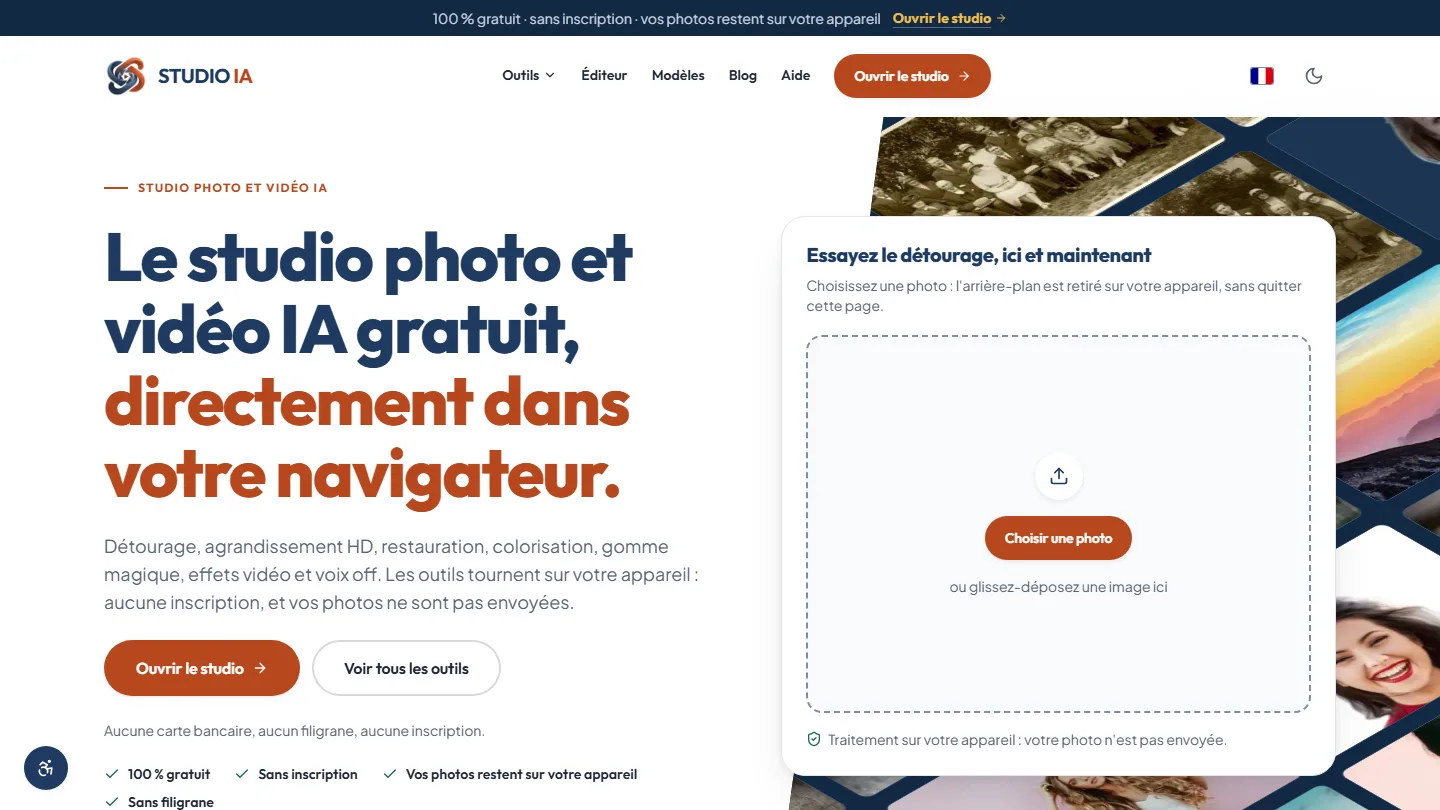 Web application & artificial intelligence
Studio AI
Eighteen AI-powered photo and video tools, each one saying for itself whether it runs in the browser or online: privacy becomes a check box, not a promise.
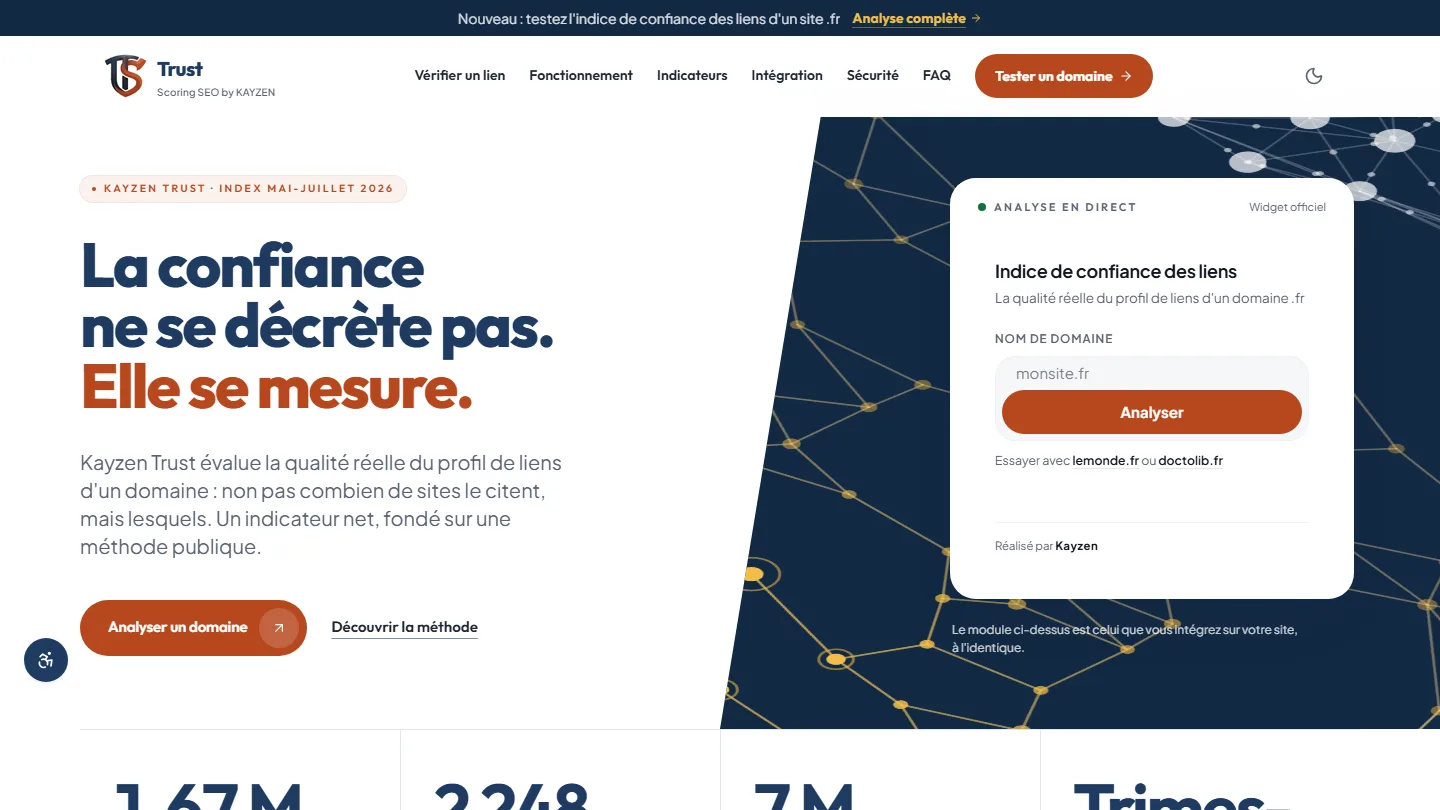 Web application & SEO
Kayzen Trust
A link indicator whose method is published: trust can be measured, and the gap with popularity gives away bought links.
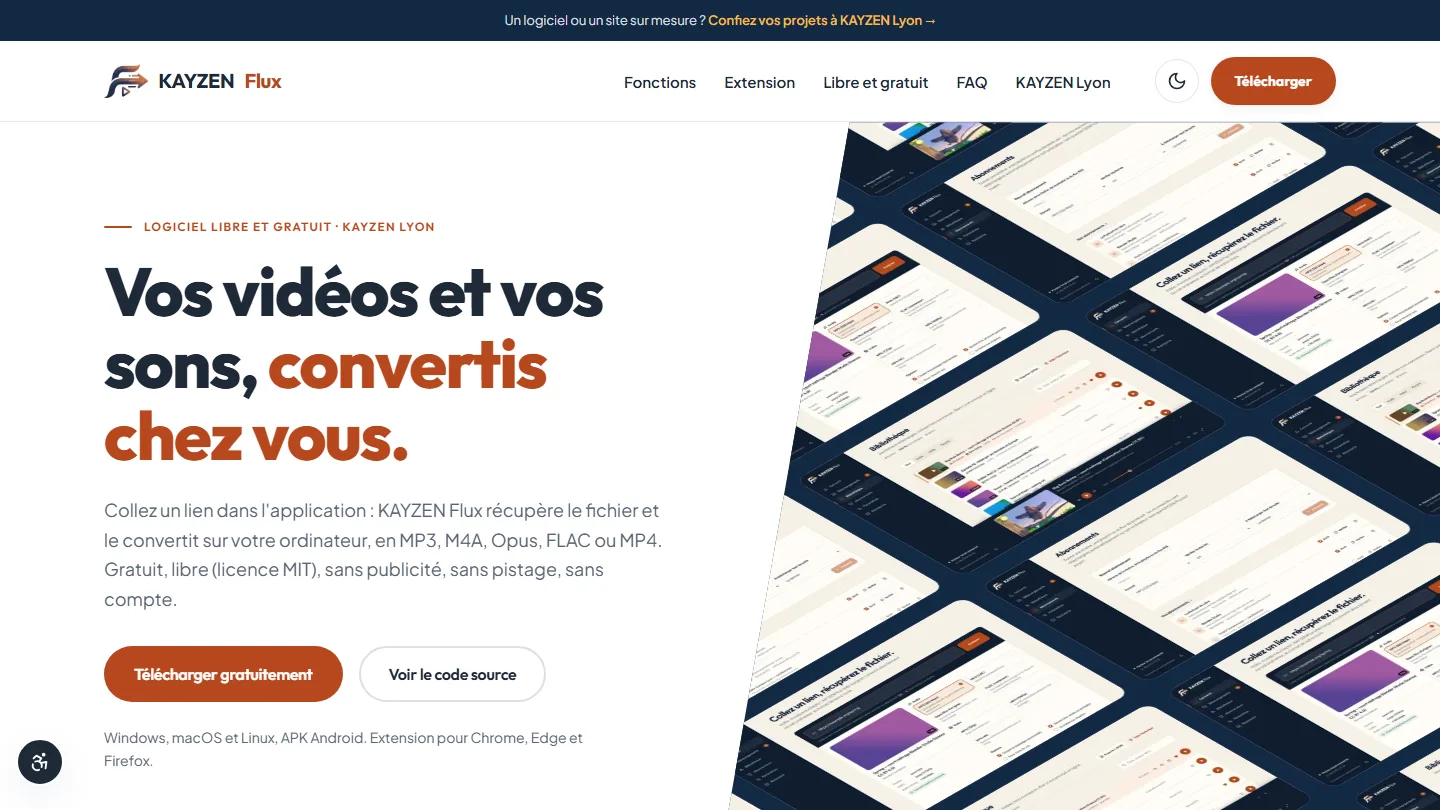 Open-source software & desktop application
KAYZEN Flux
A converter with no server: the file never leaves the computer, and the code is public so you can verify it.


The same high standards, for your website.
A free audit of your current site, a quote within 24 hours and written reasoning — like the case study you have just read. Pay in three interest-free instalments; local funding schemes checked before you sign.