Studio
A non-destructive RAW pipeline in a browser: the constraint was colour.
- Year
- 2026
- Design & build
- 12 weeks
- Stack
- Next.js · React · TypeScript · Tailwind · Vercel
- Product design
- Interface design
- Development
- Image processing
Product published by Kayzen Web, served at a Vercel preview address pending its final domain.

- end-to-end colour management
- ICC
- Lighthouse accessibility
- 97/100
- Lighthouse best practicesOur lowest score on this criterion: RAW processing in the browser relies on APIs that Lighthouse flags; we show the score as it is rather than remove the feature, and a review is scheduled.
- 73/100
What needed solving.
The background
Studio is an online photo development application: RAW import, non-destructive editing, end-to-end ICC colour management and multi-format export.
The constraint
Photographers do not switch tools for convenience. Two sticking points: colour accuracy — a file that comes out with a colour shift is unusable — and non-destructive editing, meaning the ability to revisit any adjustment six months later.
The response
Colour was dealt with before the interface. Camera input profile, linear working space, output profile chosen at export: the chain is explicit and shown to the user. Adjustments are stored as a list of operations, never applied to the source file.
The scores recorded at delivery.
Lighthouse scores for the live site. We publish them as they are: when one is low, its cause and the plan to fix it are set out below rather than glossed over.
Every design choice, and the reason for it.
A neutral dark interface
Strictly neutral grey around the image, with no colour cast whatsoever. A tinted interface distorts the perception of white balance: it is the first rule of photo editing software, and it takes precedence over any aesthetic consideration.
Histogram always visible
Fixed at the top of the adjustments panel, with a clipping warning. It is the photographer's measuring instrument; hiding it behind a tab would be like putting the spirit level away in the toolbox.
The trade's keyboard shortcuts
The shortcuts follow those of the industry-standard software. Imposing a new grammar on an expert user means asking them to unlearn — the cost of switching then outweighs the benefit.
Project palette
Neutral grey 900
#18181B
Workspace background
Neutral grey 700
#3F3F46
Panels
Mauve
#A78BFA
Accent, selection
Clipping red
#EF4444
Highlight warning
Type system
Display
Inter 600
Body text
Inter 400
Numerical values in fixed width: a slider whose value jumps in width feels imprecise.
What's under the bonnet.
- Next.js
- React
- TypeScript
- Tailwind
- Vercel
RAW decoding in WebAssembly
Decoding proprietary formats (CR3, NEF, ARW) runs in WebAssembly in a worker. The main thread stays free: the sliders respond while a 60-megapixel file is being decoded.
GPU rendering via WebGL
Corrections are applied as shaders on the graphics card. A CPU pass would have made the preview unusable at this resolution.
A history of operations, not pixels
Each adjustment is an entry in a serialisable operation stack. Undoing, applying a treatment across a series, exporting a preset: everything follows from this structure.
How the site makes itself findable.
Acquisition SEO, not product SEO
The application itself is not indexable, and does not need to be. Search focuses on the presentation pages and comparisons, where discovery happens.
Usable by everyone.
Since June 2025, the European Accessibility Act has required digital accessibility from a large share of online services. We build it in at the design stage rather than retrofitting it.
97/100 despite an expert interface
Every slider is a native input with a label, an announced value and keyboard steps. Almost all photo editing interfaces skip this; there was no technical reason to do so.
What was delivered.
- Overview
- Editing application
- Formats and compatibility
- Pricing
How the project unfolded.
Colour chain
Input profiles, working space, output profiles.
Decoding
WebAssembly, workers, fast preview.
Rendering
WebGL shaders, histogram, clipping.
Interface
Panels, shortcuts, history.
What we are often asked.
More of our work
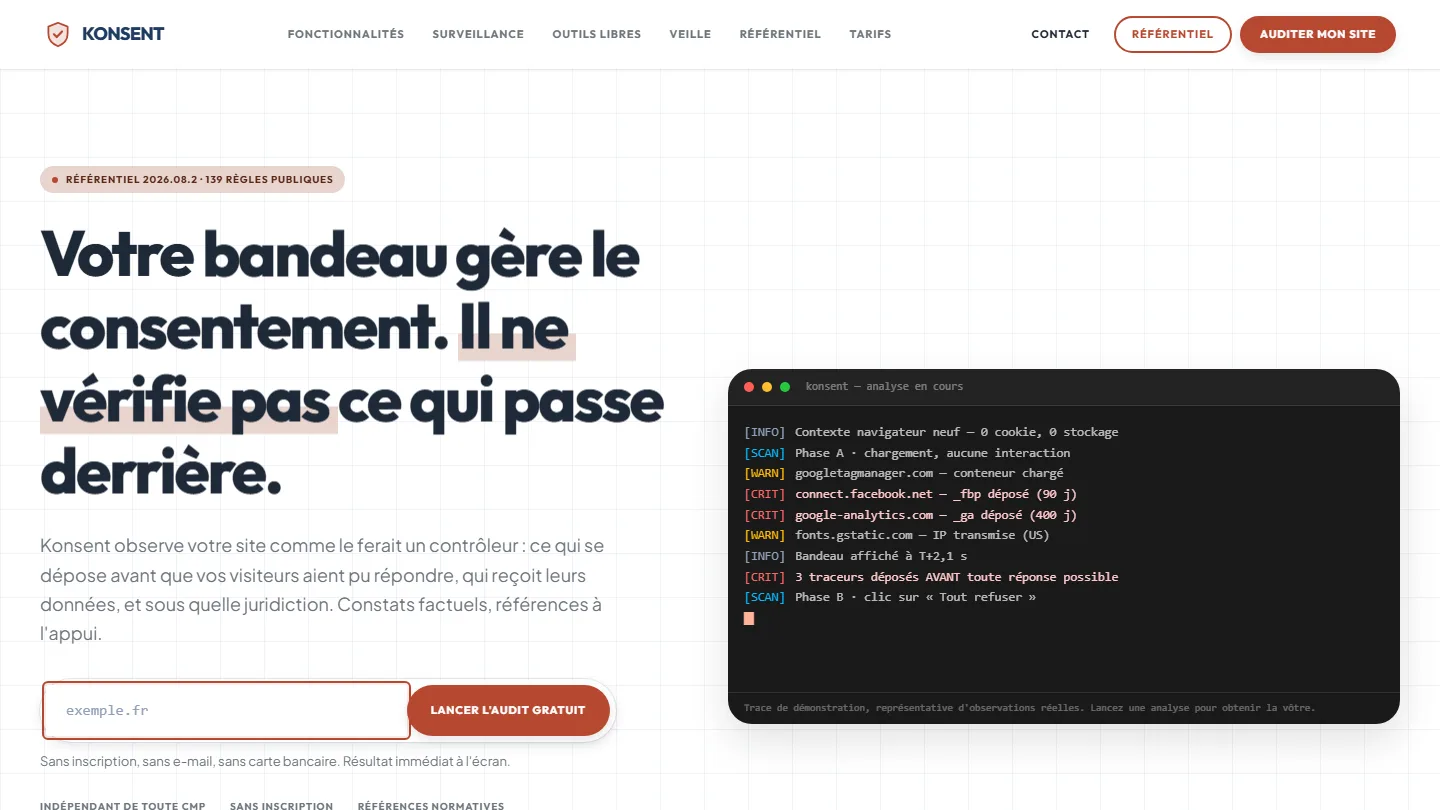 GDPR compliance & SaaS
Konsent by Kayzen
A banner vendor that audits banners is both judge and party: independence was the product.
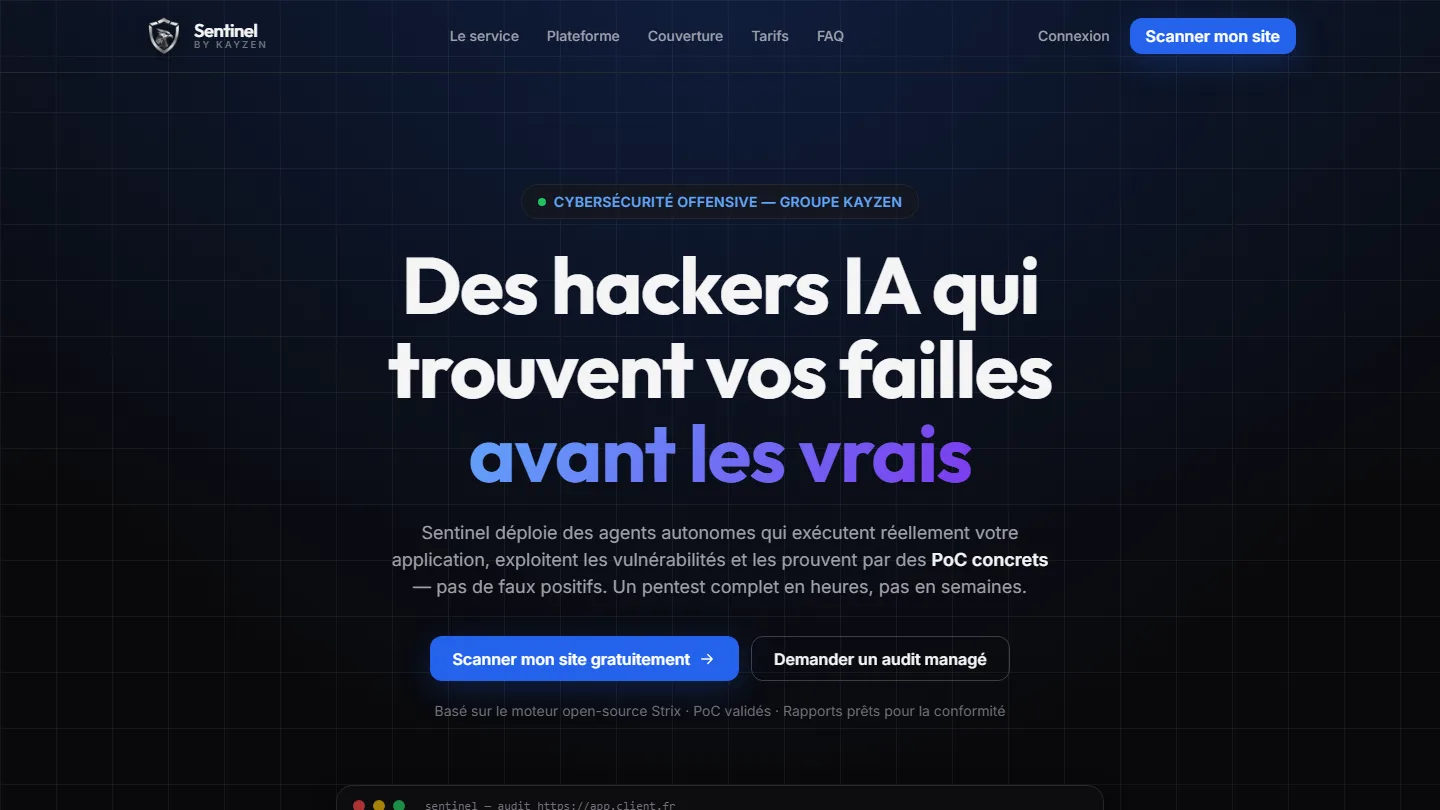 Offensive cybersecurity & SaaS
Sentinel by Kayzen
Selling a security product to engineers: every claim had to be demonstrable.
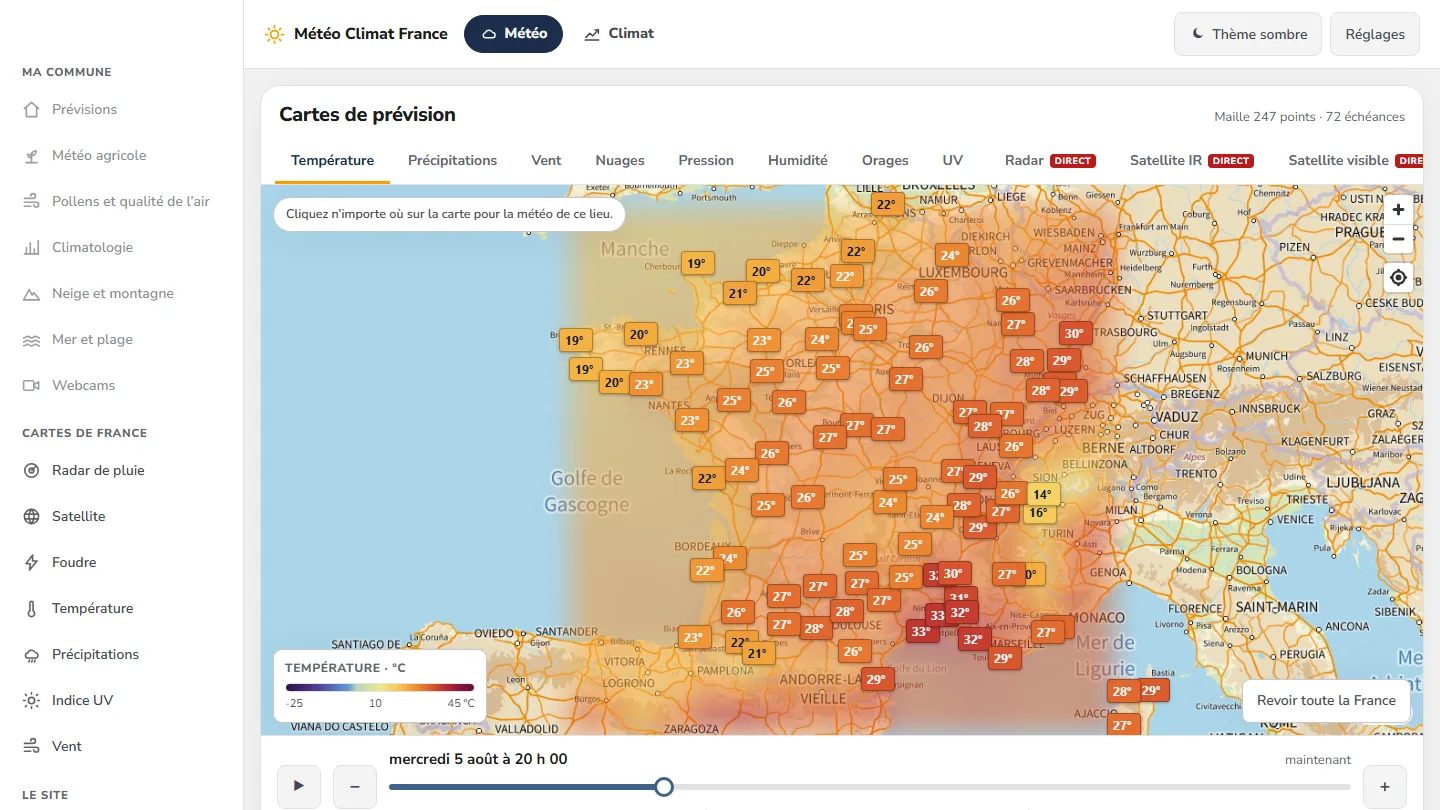 Data & weather service
Météo Climat France
358 indexable pages, a map animated over 72 time steps — and not a single line of framework.


The same high standards, for your website.
A free audit of your current site, a quote within 24 hours and written reasoning — like the case study you have just read. Pay in three interest-free instalments; local funding schemes checked before you sign.