KAYZEN Flux
A converter with no server: the file never leaves the computer, and the code is public so you can verify it.
- Year
- 2026
- Stack
- Electron · React · TypeScript · Tailwind · yt-dlp · FFmpeg
- Product design
- Desktop application
- Browser extension
- Web development
- Application security
- Presentation site

- no paid version, no advertising, no account
- €0
- output formats: MP3, M4A, Opus, FLAC and MP4
- 5
- media passing through KAYZEN's servers
- 0
- licence of the source code, public on GitHub
- MIT
What needed solving.
The background
KAYZEN Flux is free, open-source software, published by KAYZEN from Lyon and released under the MIT licence. It downloads a video or a piece of music from a link and converts it to MP3, M4A, Opus, FLAC or MP4. Version 1.0.0 is distributed for Windows, macOS and Linux, with an APK file for Android and an extension for Chrome, Edge and Firefox. The source code is public on GitHub.
The constraint
Online converters route files through their servers and are most often funded by advertising: banners, pop-ups, redirects, queues at busy times. Users know neither what is kept nor by whom. We needed to keep the gesture that makes them so popular, pasting a link and getting a file back, with no intermediary server, no advertising, and in a way that anyone can verify.
The response
All the work is done on the user's computer. The application bundles yt-dlp to fetch the media and FFmpeg to convert it; a local engine, which listens only on the machine, drives the task queue, the library and the subscriptions. The presentation site downloads nothing: it explains and distributes the installers. Everything else follows that rule: no account, no telemetry, a history that remains a local file, and public code under the MIT licence.
The scores recorded at delivery.
Lighthouse scores for the live site. We publish them as they are: when one is low, its cause and the plan to fix it are set out below rather than glossed over.
Every design choice, and the reason for it.
The link field is the first screen
You open the application to paste an address: the field sits at the top of the “Convertir” (Convert) screen, with the “Analyser” (Analyse) button. The audio and video formats are then displayed as cards to choose from, each with a line saying what it is for, rather than a list of settings to decipher.
A diagram that shows where the file stops
The site's home page describes the journey in three steps: you paste a link, your computer does the work, the file arrives in your folder. The “Serveurs KAYZEN” (KAYZEN servers) box is shown apart, with a note that no media passes through it. The promise is drawn, not just written.
Formats explained without overselling
The FLAC card specifies that this format preserves the quality of the source without adding any, and the FAQ repeats it. A converter that let people believe a compressed file becomes better in FLAC would be misleading the user; so the interface says so at the point where the choice is made.
The KAYZEN brand identity, light theme and dark theme
Navy blue for headings, terracotta for the main action, Outfit and Plus Jakarta Sans: the site and the application take up the brand identity of kayzen-lyon.com, so that the software is identified as a product of the agency. A button switches from the light theme to the dark theme.
Type system
Display
Outfit
Body text
Plus Jakarta Sans
The two families of kayzen-lyon.com, so that the software is recognised as a product of the agency.
What's under the bonnet.
- Electron
- React
- TypeScript
- Tailwind
- yt-dlp
- FFmpeg
A single repository, five modules
The project is a pnpm monorepo in TypeScript: a core of pure logic (addresses, formats, yt-dlp arguments, progress, errors), a local engine, a React and Tailwind interface, the Electron desktop application and the extension. The core is held to test coverage of at least 80%, and the installers are built by GitHub Actions.
A local engine that listens only on the machine
The engine responds on 127.0.0.1 only. It checks the Host header, requires a session token across its entire API and accepts only JSON for writes. Only the library's files can be read by the interface. A web page open in the browser therefore cannot drive downloads without the user's knowledge.
yt-dlp launched without a command interpreter
The pasted address is validated, private network addresses are refused, and yt-dlp is run without a shell, with its arguments passed as an array and the address placed after the “--” separator. The personal yt-dlp configuration is ignored. A booby-trapped address cannot become a command.
Bundled binaries, verified at start-up
The application ships its own copies of yt-dlp and FFmpeg, checked by SHA-256 fingerprint at every launch. The window is isolated, with no access to Node, and external links open in the browser. The price is written in the repository: an installer of around 330 MB, which we plan to reduce.
An extension that downloads nothing
The Manifest V3 extension blocks advertisements during playback, skips the sponsored segments flagged by SponsorBlock and adds an “Envoyer vers KAYZEN Flux” (Send to KAYZEN Flux) button, which opens the application through a kayzenflux:// link. For SponsorBlock, it sends only four characters of a hash of the video's identifier: the database does not know what is being watched.
Transcription and summary with no online service
The timestamped text comes from the subtitles when they exist, otherwise from speech recognition run on the computer with whisper.cpp. The summary goes through Ollama if the user has installed it. None of these functions sends the content to a third-party service, which stays consistent with the product's rule.
How the site makes itself findable.
A static site, with no server functions
The presentation site is made of static pages: home, extension installation guide, legal notice, terms of use and privacy. It runs no server-side code and downloads no media. The installers are served from a separate domain, telechargements.kayzen-lyon.com.
The questions people ask before installing
The page answers the real searches around a converter: is it legal, why an application rather than a website, does FLAC improve quality, where is the catch. A table compares the tool point by point with the usual online converters, without naming any competitor.
Installation limits spelled out plainly
The Windows installer and the macOS image are not yet signed, the APK is installed outside the Play Store and the extension is loaded by hand until the stores are available. Each warning appears on the download page, with the steps to follow, rather than being discovered by the user at installation time.
Usable by everyone.
Since June 2025, the European Accessibility Act has required digital accessibility from a large share of online services. We build it in at the design stage rather than retrofitting it.
Theme chosen by the user and keyboard shortcuts
The site and the application offer a light theme and a dark theme, at the user's choice. The application can be driven from the keyboard: a shortcut returns to the link field from any screen, and a page lists all the shortcuts. No independent accessibility audit has been carried out to date.
What was delivered.
- Home — the journey of a file, the features, the comparison table
- Extension — ad-free playback, SponsorBlock, sending to the application
- Free and open source — MIT licence, source code, no tracking
- Download — Windows, macOS, Linux, Android and extensions
- Extension installation guide
- Legal notice, terms of use, privacy
How the project unfolded.
Core and engine
Logic for handling addresses, formats and errors, written and tested separately; local engine with task queue, real-time tracking and library.
Desktop application
React interface, integration into Electron, bundled and verified binaries, kayzenflux:// link to receive an address from the browser.
Extension
Ad-free playback, skipping of sponsored segments, button for sending to the application; Chromium and Firefox versions built from the same code.
Site and release
Static site, legal pages, installers built by continuous integration and served from a dedicated domain; version 1.0.0 in November 2026.
What we are often asked.
More of our work
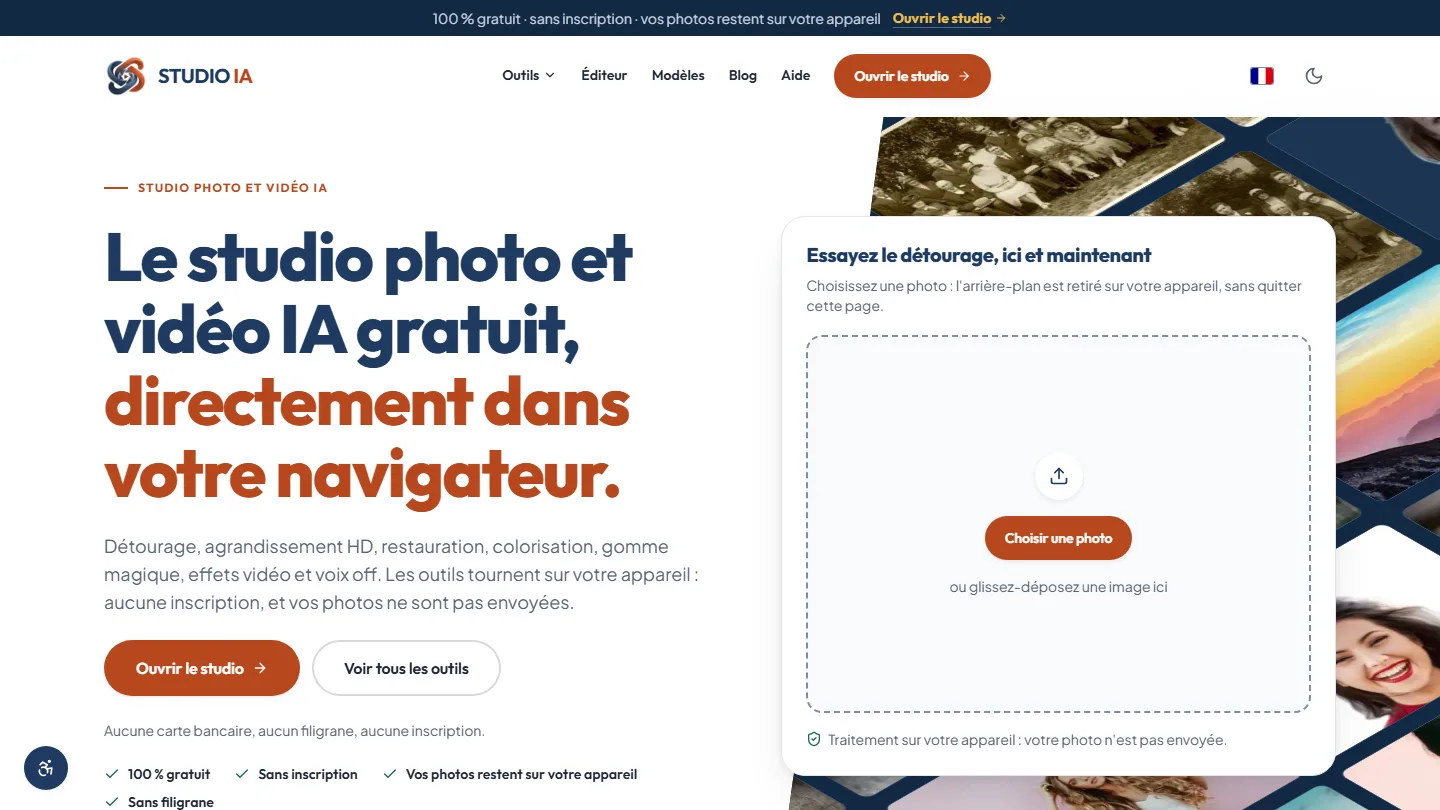 Web application & artificial intelligence
Studio AI
Eighteen AI-powered photo and video tools, each one saying for itself whether it runs in the browser or online: privacy becomes a check box, not a promise.
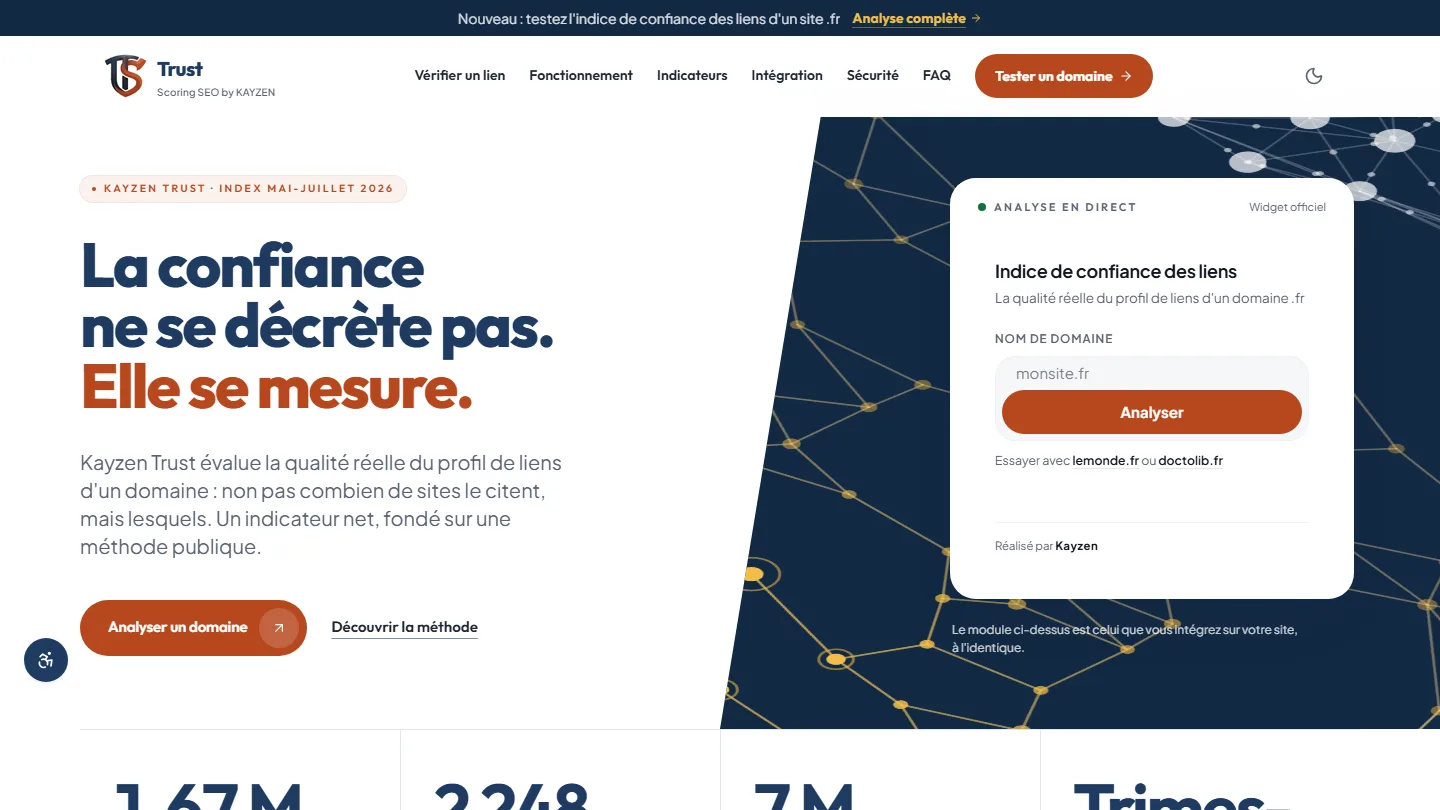 Web application & SEO
Kayzen Trust
A link indicator whose method is published: trust can be measured, and the gap with popularity gives away bought links.
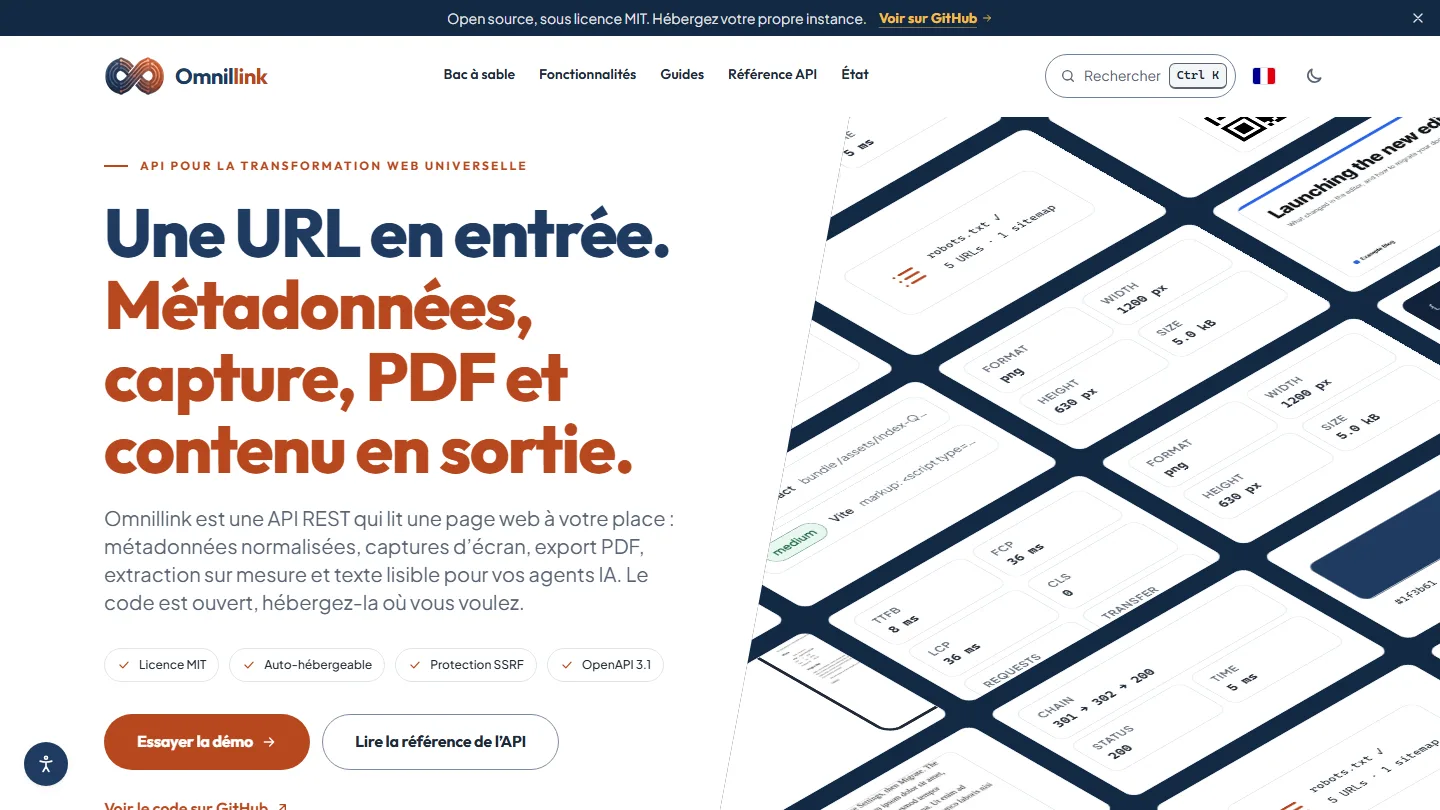 Web application & API for developers
Omnillink
An address in, ready-to-use data out: an API that writes down its limits and attaches its measurements to every response.


The same high standards, for your website.
A free audit of your current site, a quote within 24 hours and written reasoning — like the case study you have just read. Pay in three interest-free instalments; local funding schemes checked before you sign.