Sésame
A password manager that cannot read your passwords: the architecture was the proof.
- Year
- 2026
- Stack
- React · TypeScript · Vite · WebAssembly · Supabase · Capacitor
- Product design
- Applied cryptography
- Web and mobile development
- Browser extension
- Accessibility
- SEO

- all features included
- €0
- readable by the server
- 0 bytes
- platforms: web, extension, Android
- 3
- item types in the vault
- 11
What needed solving.
The background
Sésame is a free password manager, published by KAYZEN from Lyon and distributed under the GPL-3.0 licence. It stores logins, 2FA codes, passkeys, cards, notes and identity documents in an encrypted vault, synchronised across devices and shareable with the family. It is available as an installable web app, as a Chrome, Edge and Firefox extension, and as an Android app.
The constraint
A password manager calls for the highest level of trust there is: it holds the key to everything else. The free plans on the market limit sync, sharing or 2FA codes to push users towards a subscription, and all of them ask users to take the vendor's word that it cannot read their vault. We needed a free product with no features held back, and a privacy promise that holds even if you do not trust KAYZEN.
The response
Encryption happens on the device, before anything is sent. The master password never leaves the device; through Argon2id, it derives the key that opens the vault. The sync server stores only encrypted envelopes that it is unable to open. Being free follows from the same architecture: a server that does nothing but keep small encrypted files costs next to nothing to run.
The scores recorded at delivery.
Lighthouse scores for the live site. We publish them as they are: when one is low, its cause and the plan to fix it are set out below rather than glossed over.
Every design choice, and the reason for it.
Reassuring through clarity, not darkness
Security tools almost all dress in dark colours, in the image of the terminal. Sésame starts from a white background, a navy blue for headings and a single terracotta accent for action: a vault you open ten times a day has to be readable before it is impressive. The dark theme exists, at the user's choice.
The price on the first screen
“€0 forever” appears in the hero mock-up, and the top banner specifies “no credit card, no account, no advertising”. In a market where free is often a trial period, genuinely free is the decisive argument: it had to be readable before the first scroll.
Leaving your old manager in two minutes
The main obstacle is not price but migration. A dedicated page and importers for 1Password, Bitwarden, KeePass, Proton Pass and the CSV exports of Chrome, Edge, Firefox, Safari, LastPass and Dashlane, with a preview before import: users see what is going into their vault before confirming.
Typography shared with the range
Outfit for headings, Plus Jakarta Sans for body text: the same families as kayzen-lyon.com, served from the domain with no call to Google Fonts. The in-house products are recognisable as a range without a “by KAYZEN” banner.
Project palette
Ink
#1F2937
Text
Navy
#1F3B61
Headings and logotype
Terracotta
#B7481F
Primary action
Green
#26704F
Confirmation, synced vault
Type system
Display
Outfit 700
Body text
Plus Jakarta Sans 400
The kayzen-lyon.com families, served from the domain: no third-party calls, not even for fonts.
What's under the bonnet.
- React
- TypeScript
- Vite
- WebAssembly
- Supabase
- Capacitor
Argon2id, HKDF then AES-256-GCM
The master password goes through Argon2id (64 MiB of memory, 3 passes), run in WebAssembly, then through HKDF to obtain a key-encryption key. This wraps a random 256-bit vault key, which encrypts the data with AES-256-GCM using a fresh initialisation vector on every save. Changing the master password therefore does not re-encrypt the whole vault.
Zero-knowledge sync
The server, hosted in the European Union, only receives the already-encrypted envelope. Adding a device requires two factors: a pairing code and the master password; the code alone decrypts nothing, and the password alone does not grant access to the server. The database is never exposed directly: row-level security is enabled with no policy at all, and everything goes through a function that rate-limits requests and compares secrets in constant time.
Family sharing without a shared key
Each member has their own X25519 key pair. A shared vault is encrypted once, and its key is wrapped for each member. Removing someone triggers a rotation of the vault key: a former member cannot read what is added after they leave.
One codebase, three platforms
The cryptographic core is a module with no interface, tested separately — official RFC 6238 vectors for 2FA codes, anti-tampering tests for the vault. The same core powers the installable web app (usable offline), the Manifest V3 extension and the Android app packaged with Capacitor.
An extension that only fills in on request
The extension never fills in a form of its own accord: an explicit action from the user is required. Autofill on page load is precisely what invisible forms injected into a page exploit. It also handles passkeys (WebAuthn) and offers to save a login after signing in.
How the site makes itself findable.
One page per intent
Security, migration, installation, what's new: every question people ask before switching password managers has its own page and URL. “Leave 1Password” and “free password manager” are distinct queries; a single page would have captured neither.
SoftwareApplication and FAQ markup
The SoftwareApplication markup declares the category, the supported operating systems, the licence and a price of €0. The FAQ — why it is free, where passwords are stored, how to sync — carries FAQPage markup: these are the answers that search engines and assistants pick up.
The publisher linked to the KAYZEN network
The site's JSON-LD graph names KAYZEN as the publisher, with the same identifier as kayzen-lyon.com: search engines and assistants connect the product to the agency that designed it.
Usable by everyone.
Since June 2025, the European Accessibility Act has required digital accessibility from a large share of online services. We build it in at the design stage rather than retrofitting it.
WCAG 2.2 AA verified on the app
The app passes the automated axe checks at WCAG 2.2 AA level with no violations, in the end-to-end tests. Keyboard command palette (Ctrl+K), documented shortcuts, light and dark themes.
Security must not exclude
A copied password is cleared from the clipboard after 30 seconds by default, an adjustable delay. The clearing is announced in a message read out by screen readers — “copied · cleared in 30 s” — so that users know why the clipboard is empty when they want to paste.
What was delivered.
- Home — promise, demo and comparison
- Security — the encryption model explained
- Migrate — import from your old manager
- Install — app, extension, Android
- /app/ — the vault, installable and usable offline
- Legal notice, privacy, terms of use, accessibility
How the project unfolded.
Cryptographic core
Encrypted vault, 2FA codes, generator, password health, importers; module tested with no interface.
Application
Installable web app, usable offline, with encrypted backup and emergency kit.
Sync and sharing
Zero-knowledge server in the EU, two-factor pairing, family vaults.
Extension and mobile
Chrome, Edge and Firefox extension with passkeys, Android app.
Security reviews
Five internal reviews and their fixes; file prepared for an independent external audit.
What we are often asked.
More of our work
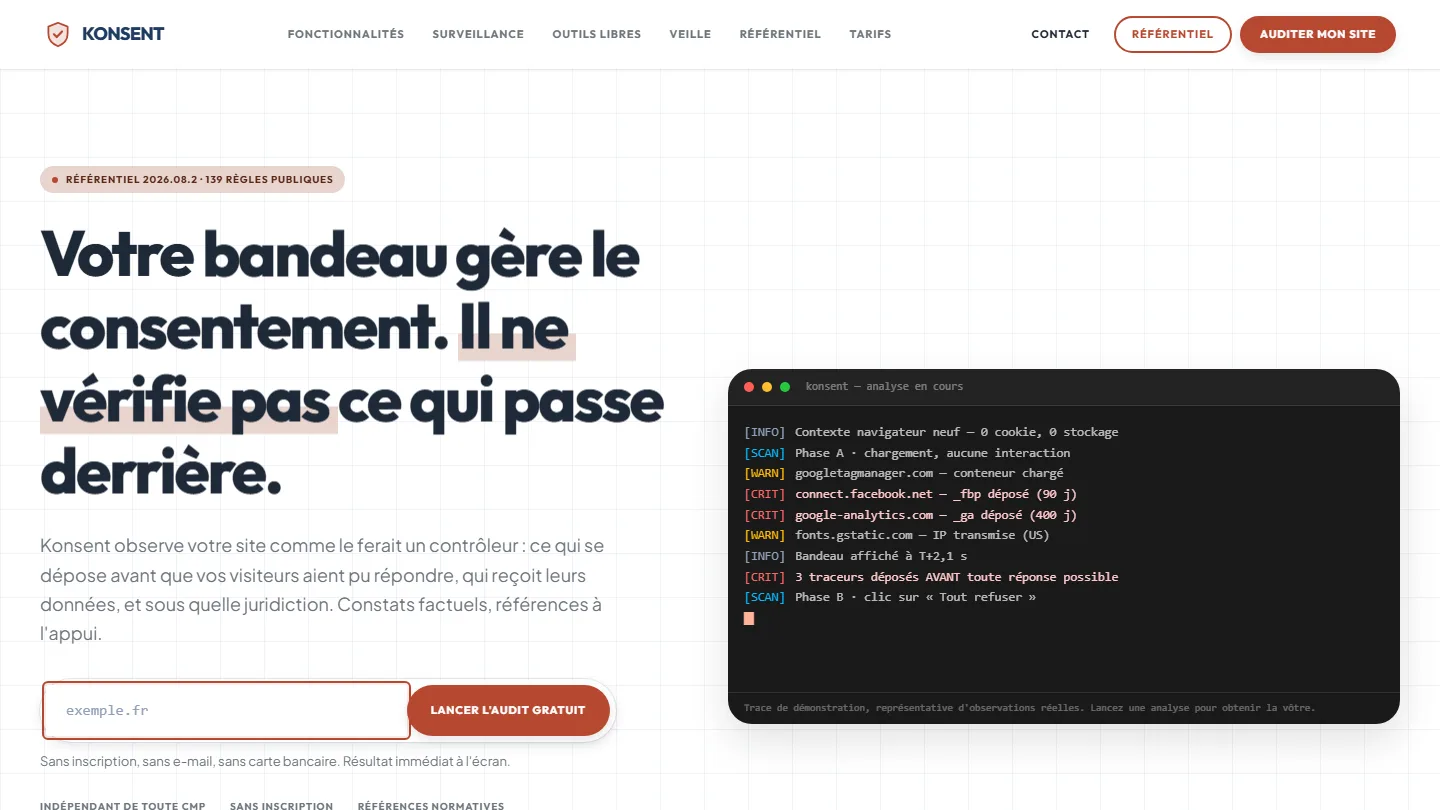 GDPR compliance & SaaS
Konsent by Kayzen
A banner vendor that audits banners is both judge and party: independence was the product.
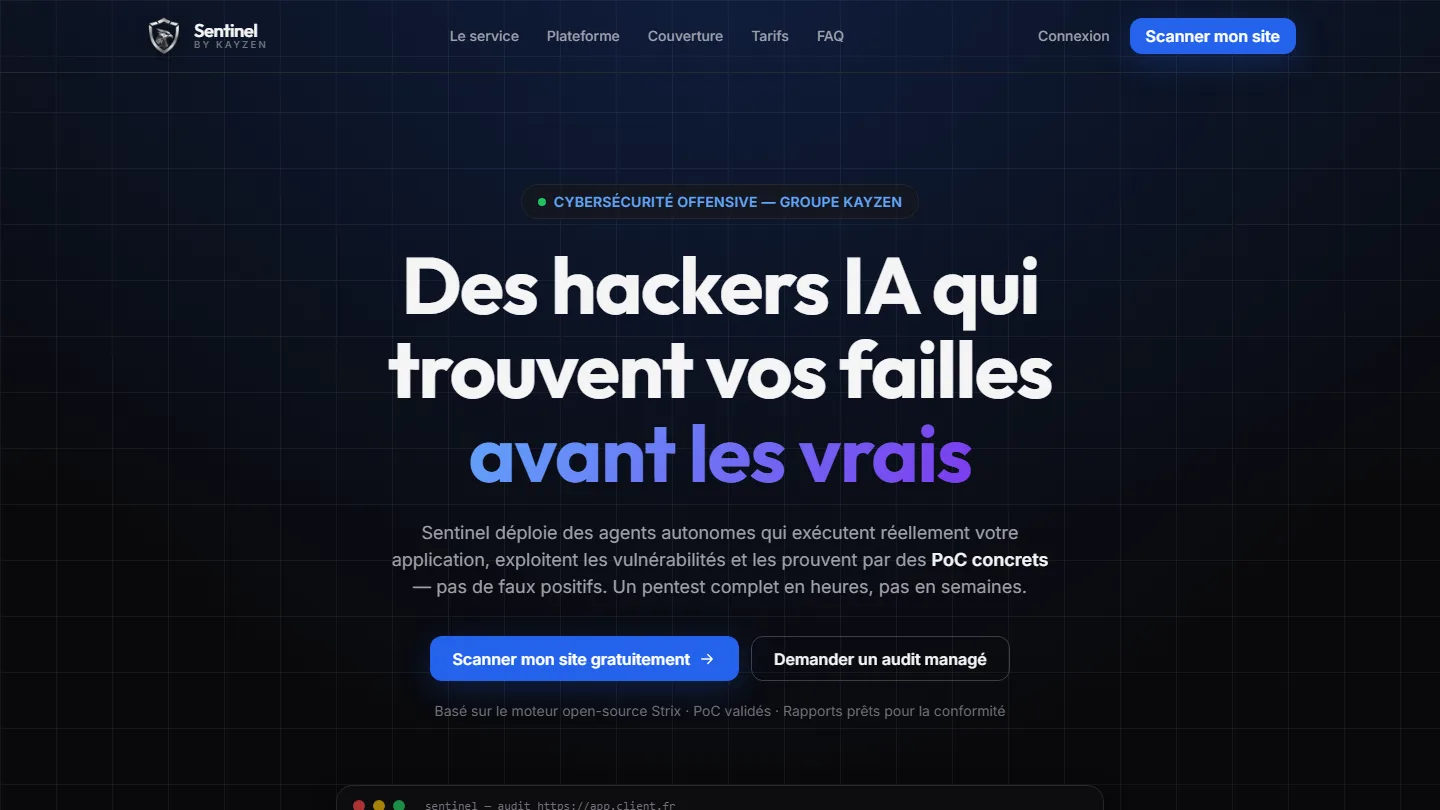 Offensive cybersecurity & SaaS
Sentinel by Kayzen
Selling a security product to engineers: every claim had to be demonstrable.
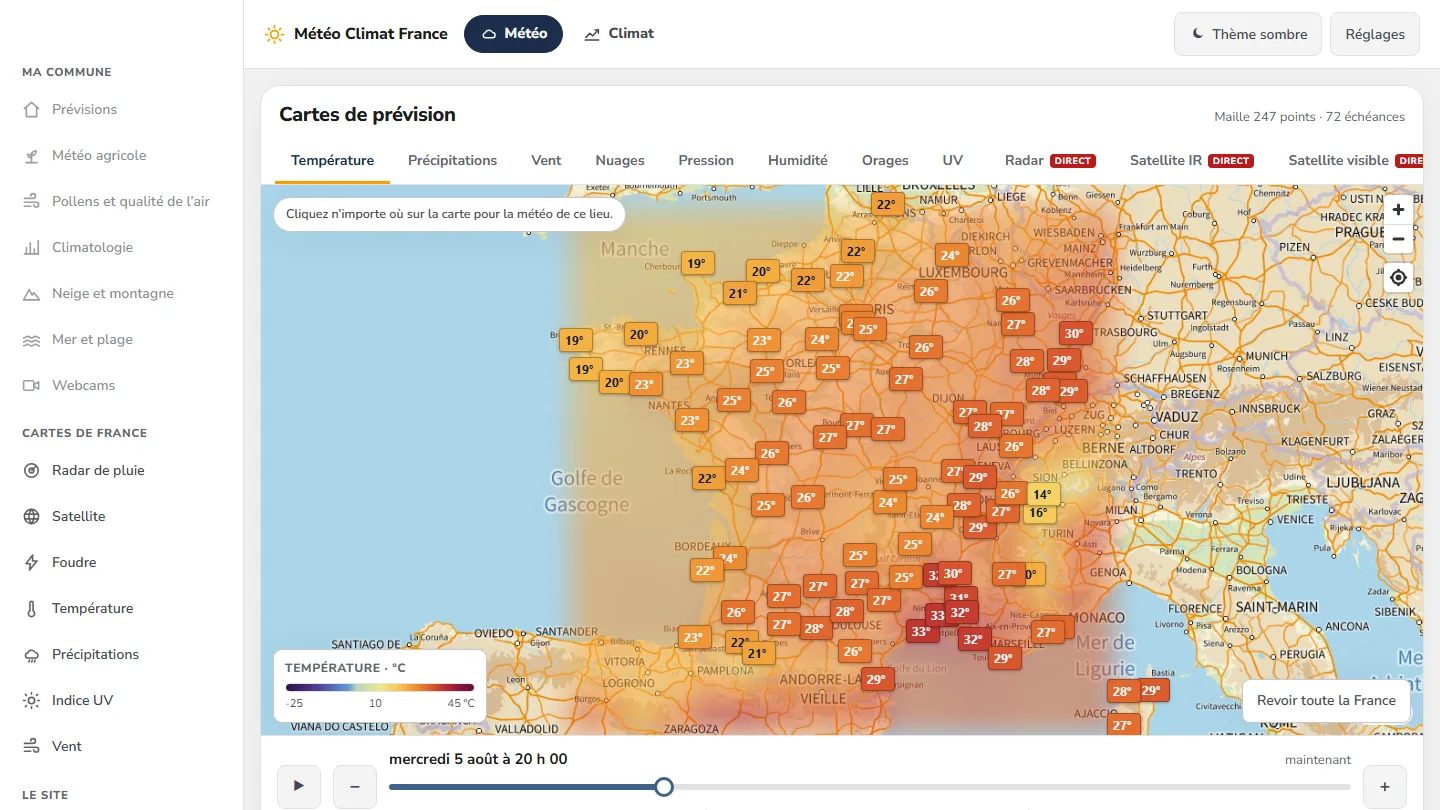 Data & weather service
Météo Climat France
358 indexable pages, a map animated over 72 time steps — and not a single line of framework.


The same high standards, for your website.
A free audit of your current site, a quote within 24 hours and written reasoning — like the case study you have just read. Pay in three interest-free instalments; local funding schemes checked before you sign.